Portable digital signage S-POK

  • √ Take promotions, wayfinding and brand content where attention is highest.
  • √ Combines a foldable floor stand for maximum portability and easy setup.
  • √ Equipped with a commercial LCD panel for reliable, high-quality performance.
  • √ Offers flexible media options in one complete digital signage display.
View specifications
Uniview S-POK portable digital signage display in a floor-standing configuration
4 sizes32 to 55 inches
Up to 4K2160 × 3840 portrait
178°Wide viewing angle
OptionalTouch and wheels

The short answer

What is the S-POK?

The Uniview S-POK is an indoor, floor-standing portable digital signage display for commercial content. Its foldable support and optional 360° wheels help teams reposition or store the screen, while multiple sizes, operating systems and optional capacitive touch adapt it to different projects.

Side view of the foldable S-POK digital signage structure

One display, changing locations

A practical alternative to a fixed screen.

Fixed displays work well when the message never moves. The S-POK is made for spaces where the audience, layout or campaign changes. Use it near a store entrance today, beside an event registration area tomorrow, then fold it for storage.

Important: wheel, touch and operating-system options depend on the ordered configuration. Confirm each requirement before production.

Mobility by design

Portable where it matters

The S-POK addresses three practical demands behind mobile indoor signage: compact storage, stable floor placement and easier relocation.

01 · FOLD

Foldable digital signage

The adjustable support structure folds to reduce the space needed for transport and storage.

02 · POSITION

Secure triangle stance

The angled floor-standing format creates a stable footprint while presenting portrait content at eye-catching scale.

03 · MOVE

Digital signage on wheels

Add optional 360° spinning wheels when the display needs to move regularly between indoor zones.

Configuration guide

Build the S-POK around the project

The model name identifies the cabinet family, not one fixed specification. Select the panel, picture performance, playback system and optional interaction together so the finished display matches the site and content workflow.

1

Choose the display size

Start with viewing distance, content detail and the floor area available when the support is open.

  • 32 inch
  • 43 inch
  • 49 inch
  • 55 inch
2

Match the environment

Use the room lighting and expected reflections to choose brightness; use content detail to select resolution.

  • 350–700 nits
  • 1080 × 1920 portrait
  • 2160 × 3840 portrait
3

Select the media path

Define where content comes from and which software must run before fixing the computing configuration.

  • Driver-board version
  • Standalone playback
  • Android / Windows / Linux
4

Add project options

Specify interaction and mobility requirements in the quotation rather than assuming they are standard.

  • Capacitive touch
  • 360° wheels
  • Anti-theft lock
  • Custom project review
Driver boardBest when the project already has an external media player or signage computer. Confirm the required input connections with the final configuration.
StandaloneSuitable for straightforward local playback where content does not require a full application environment.
AndroidConsider when a compatible Android application or content-management client will run on the display. Confirm the software version, memory, storage and networking needs.
WindowsConsider for compatible Windows software or touch applications that depend on Windows drivers. Confirm the workload before choosing the computing specification.
LinuxAvailable as a project configuration. Confirm the distribution, application support and device requirements before ordering.

Verified product data

S-POK specifications

Choose the display, media system and interaction options around your content and installation environment.

Configuration note: listed values describe available options. Final specifications should be confirmed on the quotation and production drawing.
Product model
S-POK
Panel type
LCD
Panel sizes
32″ / 43″ / 49″ / 55″
Resolution options
1080 × 1920 (2K) / 2160 × 3840 (4K)
Brightness
350–700 nits
Contrast ratio
1200:1
Viewing angle
178° wide viewing angle
Touch
Optional capacitive touch
Operating systems
Driver board, standalone, Android, Windows or Linux
Cabinet materials
Aluminum profile and metal plate
Front protection
Tempered safety glass
Audio
2 × 5 W speakers
Installation
Indoor, floor-standing
Operating temperature
0°C to +50°C

Format comparison

When portable signage fits better

The S-POK is not the right format for every screen project. It is most useful when floor placement, campaign visibility and future relocation matter more than a permanent wall position.

Decision factorS-POK portable displayFixed wall displayConsumer television
PlacementSelf-supporting floor format; can move as layouts change.Requires a suitable wall, bracket and fixed viewing direction.Usually depends on furniture or a separate wall mount.
StorageFoldable support reduces the space needed between campaigns.Normally remains installed in one location.Not designed around repeated commercial storage and deployment.
Content formatPortrait 2K or 4K configurations for signage content.Portrait or landscape depends on the commercial model and mount.Typically designed around landscape entertainment content.
Playback pathDriver-board, standalone, Android, Windows or Linux options.Depends on the selected display and external or integrated player.Built around television inputs and consumer smart-TV functions.
InteractionOptional capacitive touch can be specified with the project.Touch depends on the chosen commercial display and mounting plan.Touch is generally not part of the television itself.
Best fitRetail campaigns, events, reception, hospitality and changing indoor layouts.Permanent menu boards, meeting rooms and wall-based information.General room viewing without a commercial signage workflow.

S-POK buyer guide

How to choose a portable digital signage display?

Work through the site, content and operating requirements in this order. It produces a clearer quotation than choosing only by screen diagonal.

Check the indoor lighting

Begin with the real installation environment. A 350-nit option may suit controlled indoor lighting, while brighter interiors can require a higher-brightness configuration. Share site photos and window direction so glare and reflections can be reviewed. Direct sunlight requires a different product assessment.

Map the viewing position and floor space

Mark where the open support will sit, the direction people approach from, nearby doors and the power route. Confirm that the floor-standing footprint does not restrict circulation or emergency access.

Choose size from distance and content

A larger screen is not automatically the best screen. Test whether viewers need to read a detailed menu, scan a map or absorb one short campaign message at the expected distance.

Define how content will be updated

Identify whether the display receives a signal from an external player, runs local content, or needs an Android, Windows or Linux application. Remote updates require compatible networking and CMS software; they should not be assumed from the operating system alone.

Decide whether touch and wheels are needed

Specify touch only when the content has a real interactive journey. Add wheels when staff will reposition the unit frequently; otherwise review the standard support and the intended storage method.

Confirm the exact build before production

Review the screen size, resolution, brightness, operating system, optional features, power input, overall dimensions and destination-market documentation on the quotation and production drawing.

Indoor applications

Put the message in the right place

Position the S-POK where customers, guests or staff are most likely to act on the content, then move it as the space or campaign changes.

R

Fashion & retail

Move launches, promotions and seasonal campaigns between entrances, featured displays and checkout queues.

B

Beauty & cosmetics

Present campaign visuals, product stories and optional touch content beside changing merchandise displays.

H

Hotels

Place welcome messages, event schedules and wayfinding in lobbies, meeting floors and temporary function areas.

F

Food & beverage

Display promotions, new menu items and queue information in restaurants, burger shops and coffee shops.

E

Events & exhibitions

Show agendas, sponsor content and registration guidance, then fold and store the display after the event.

C

Corporate reception

Use the same screen for visitor directions, reception branding and internal events as the space changes.

From requirement to delivery

A clearer S-POK project process

Portable does not mean one-size-fits-all. Lock the important decisions before production so the sample, software and final rollout are reviewed against the same configuration.

STEP 01

Requirement review

Application, installation location, quantity and target schedule.

STEP 02

Configuration

Size, brightness, resolution, system, touch and wheels.

STEP 03

Drawing confirmation

Overall dimensions, support, interfaces, finish and power.

STEP 04

Sample validation

Physical fit, display operation, application and movement.

STEP 05

Production & shipment

Final quantity, packing, documentation and delivery plan.

What to prepare

Get a useful quotation the first time.

Customize
  • Application and installation location
  • Preferred screen size and quantity
  • Viewing distance and content type
  • Room lighting or site photos
  • Playback system or software
  • Touch and wheel requirements
  • Destination country or region
  • Sample and rollout schedule

MANUFACTURING EXCELLENCE

State-of-the-Art Production Facility

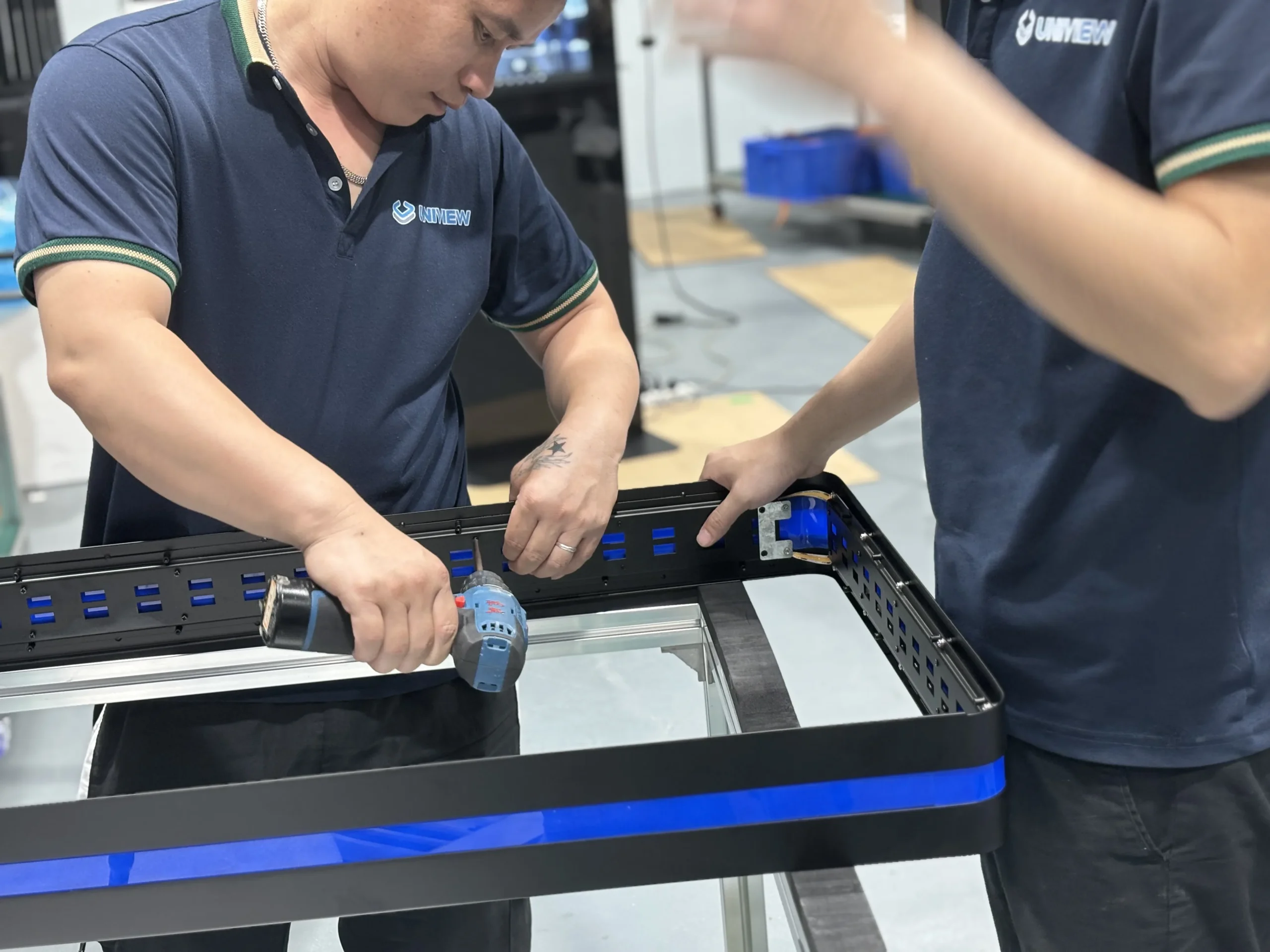
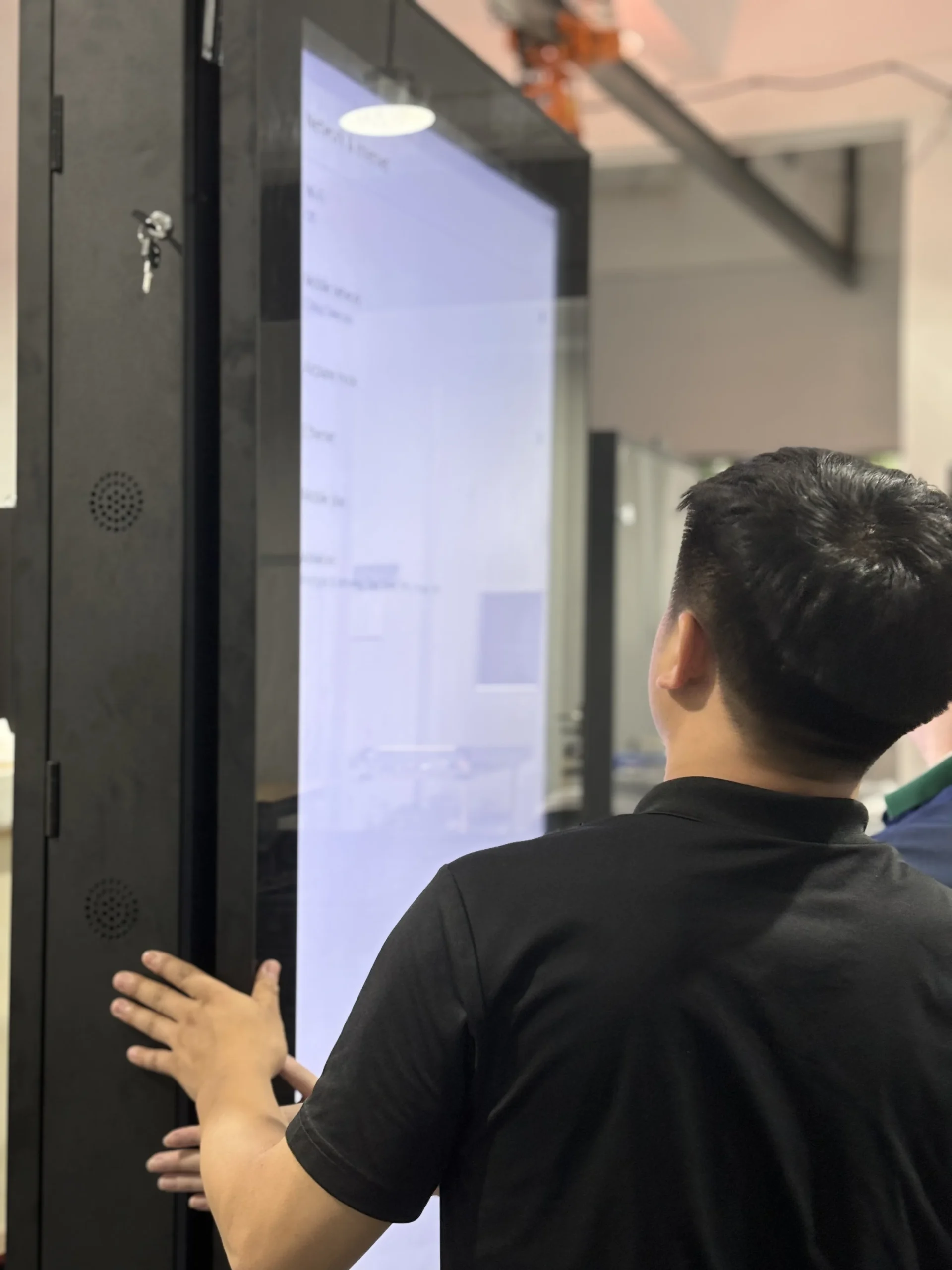
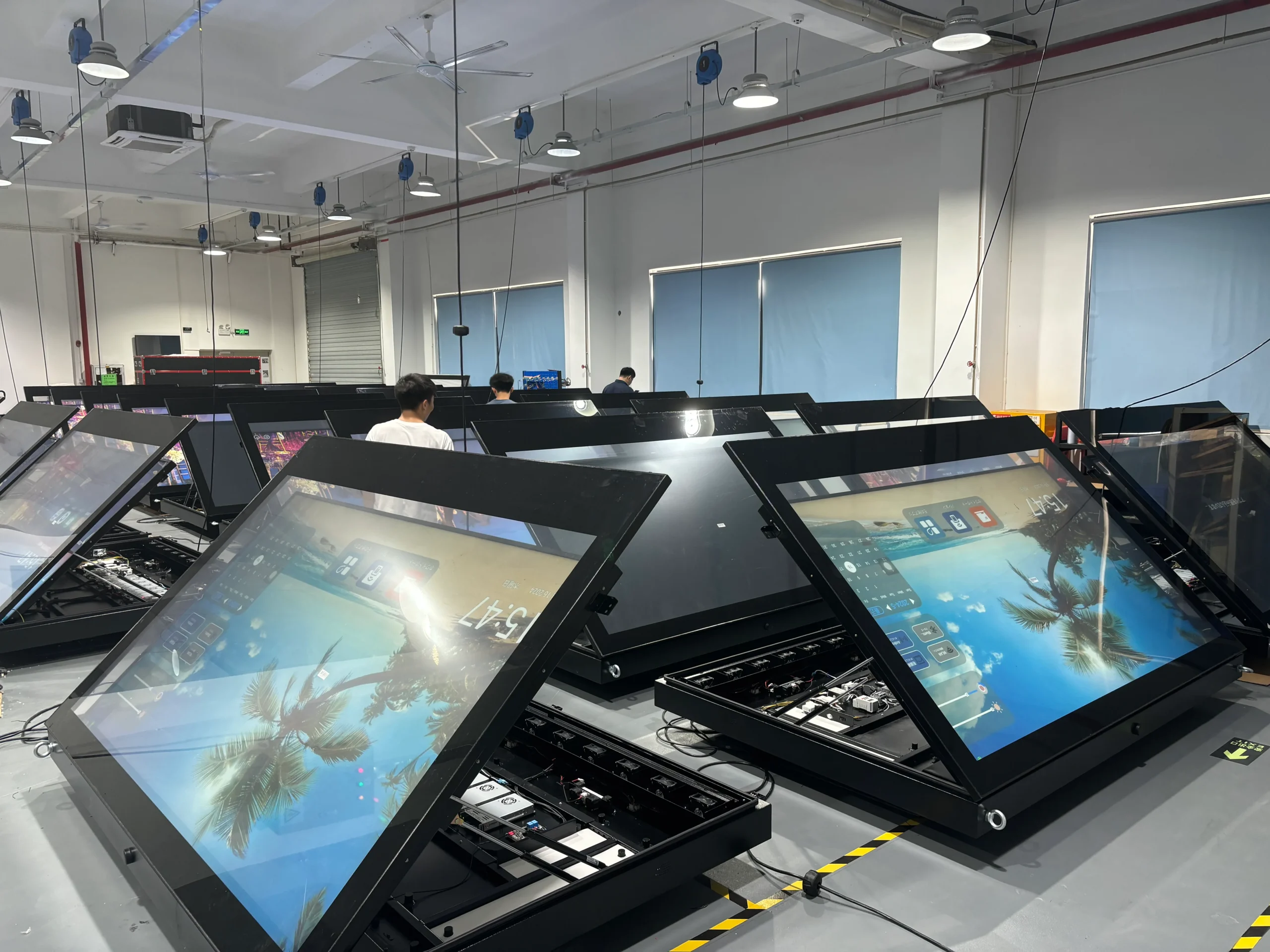
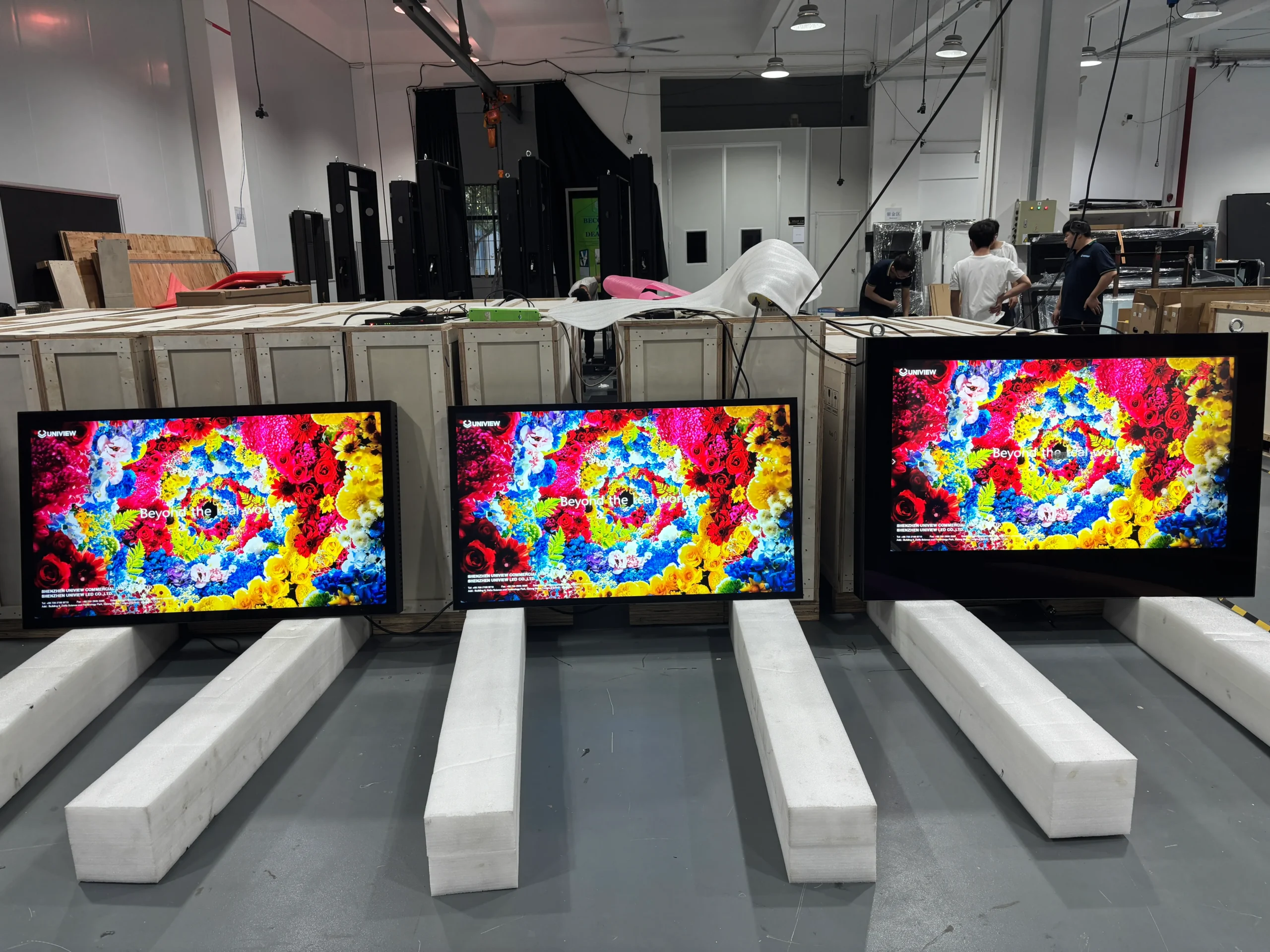
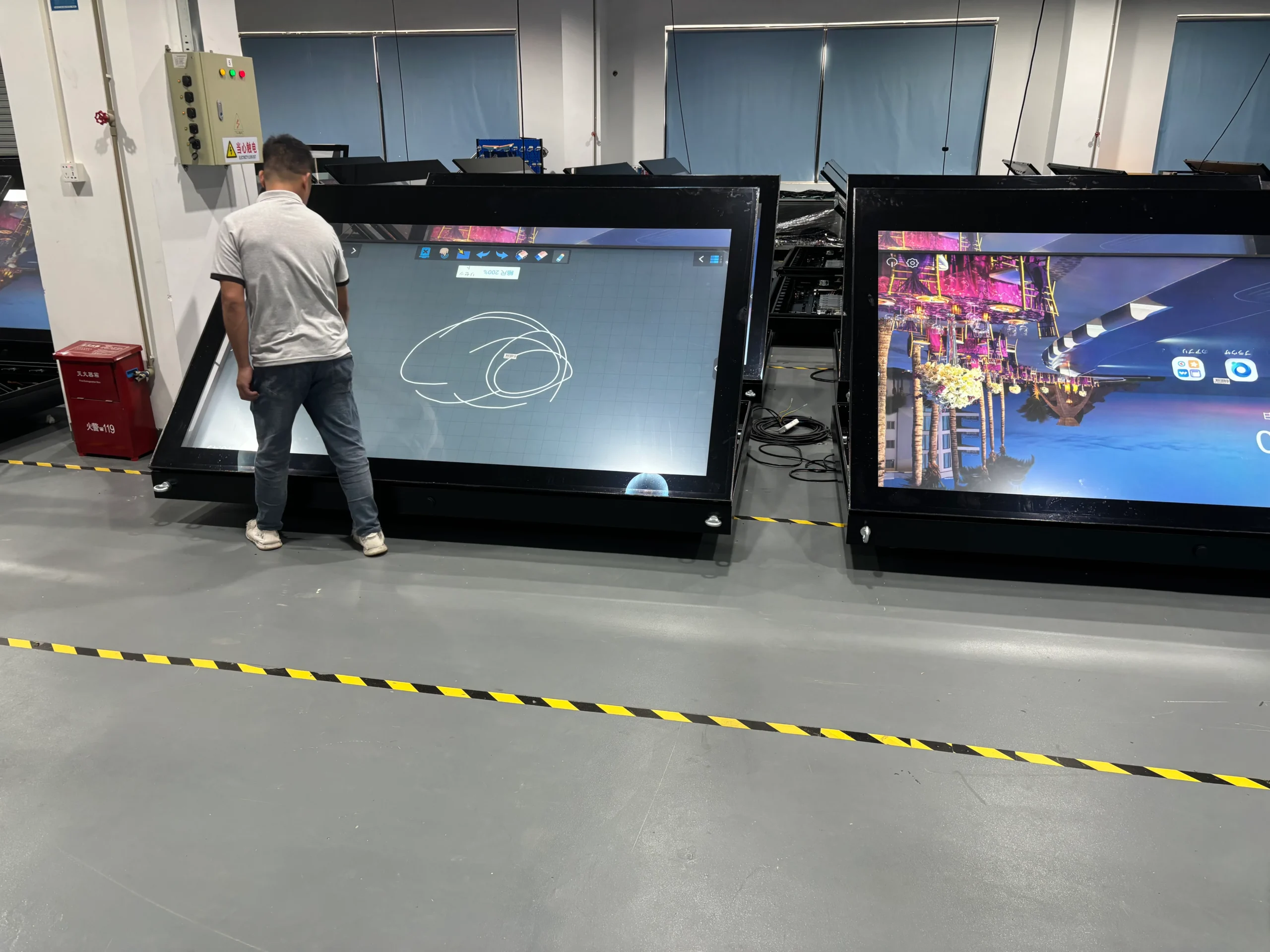
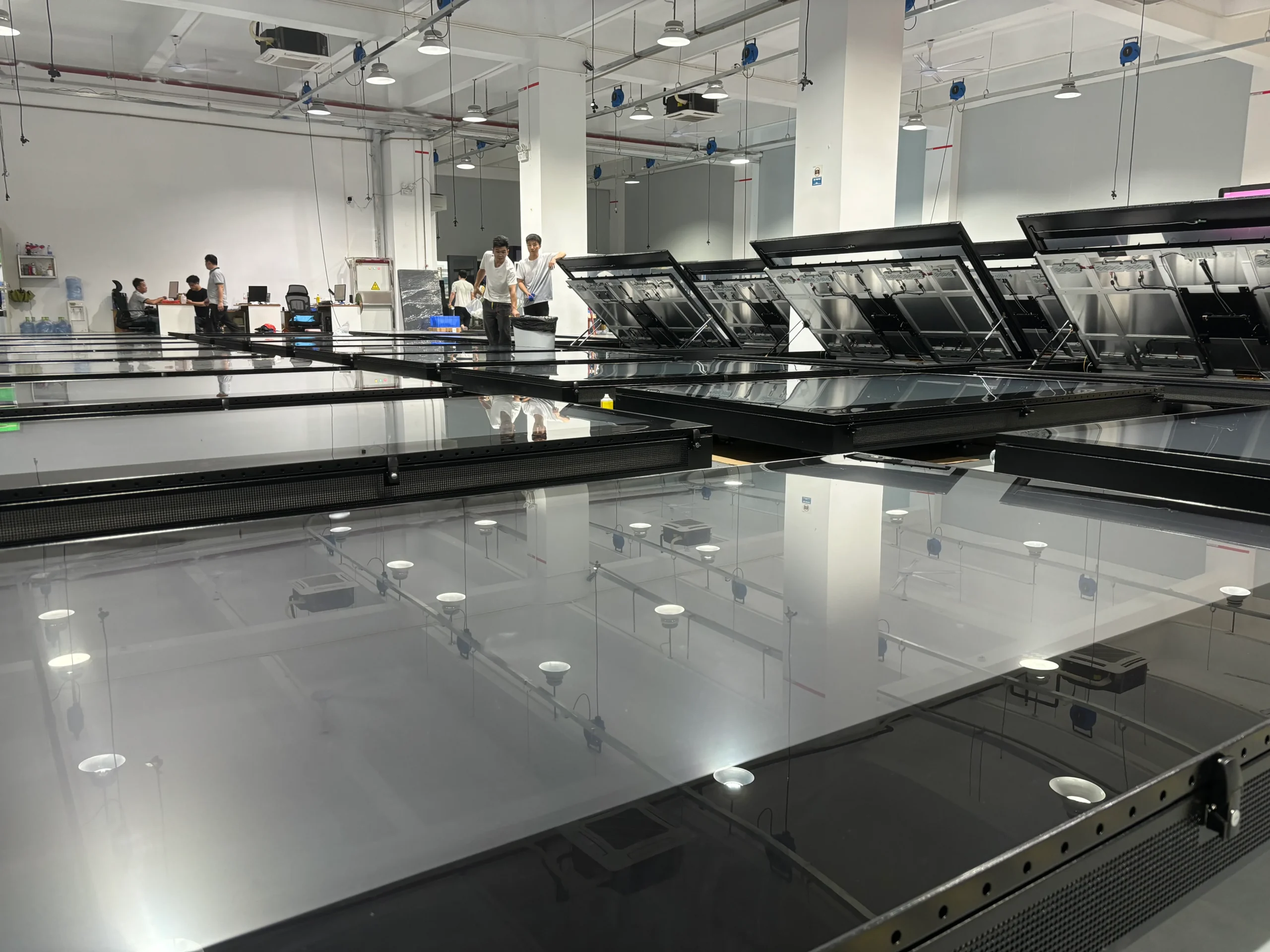
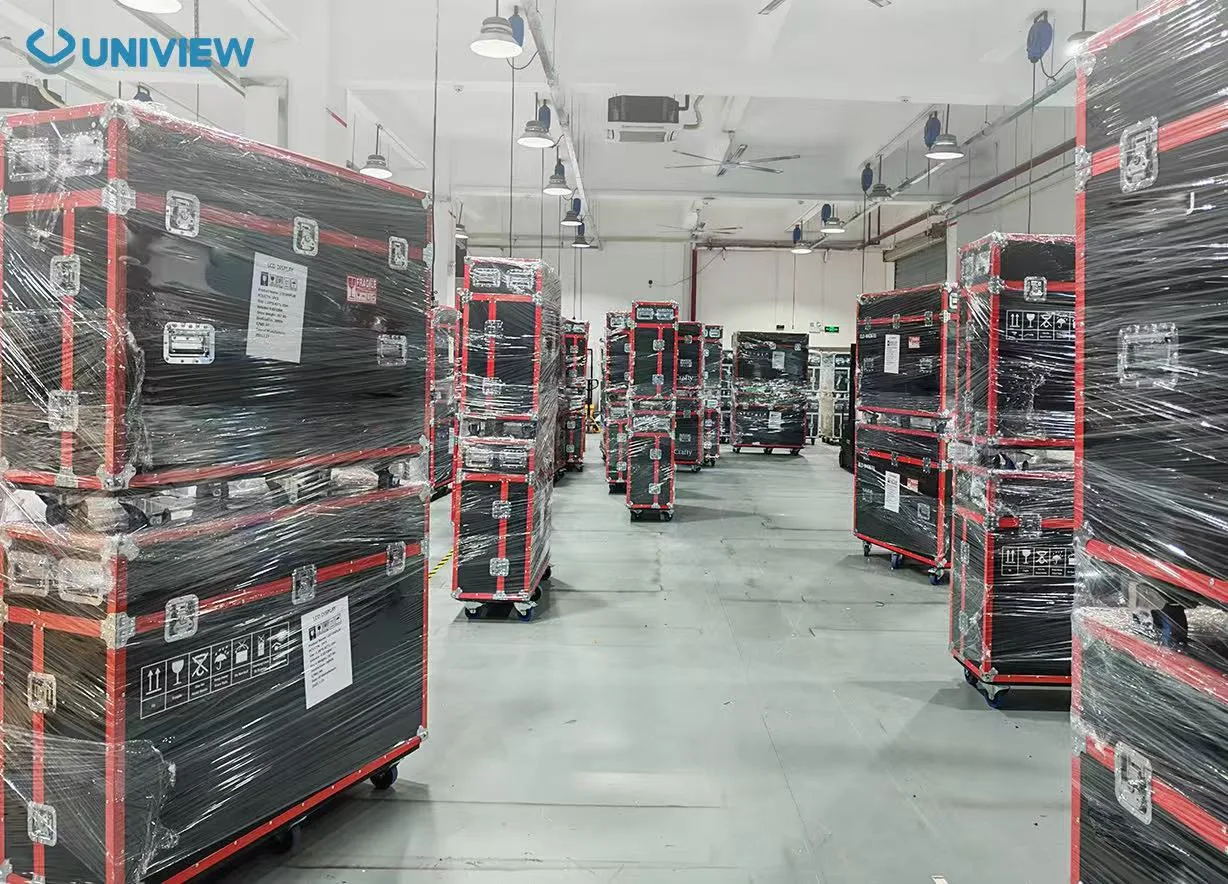
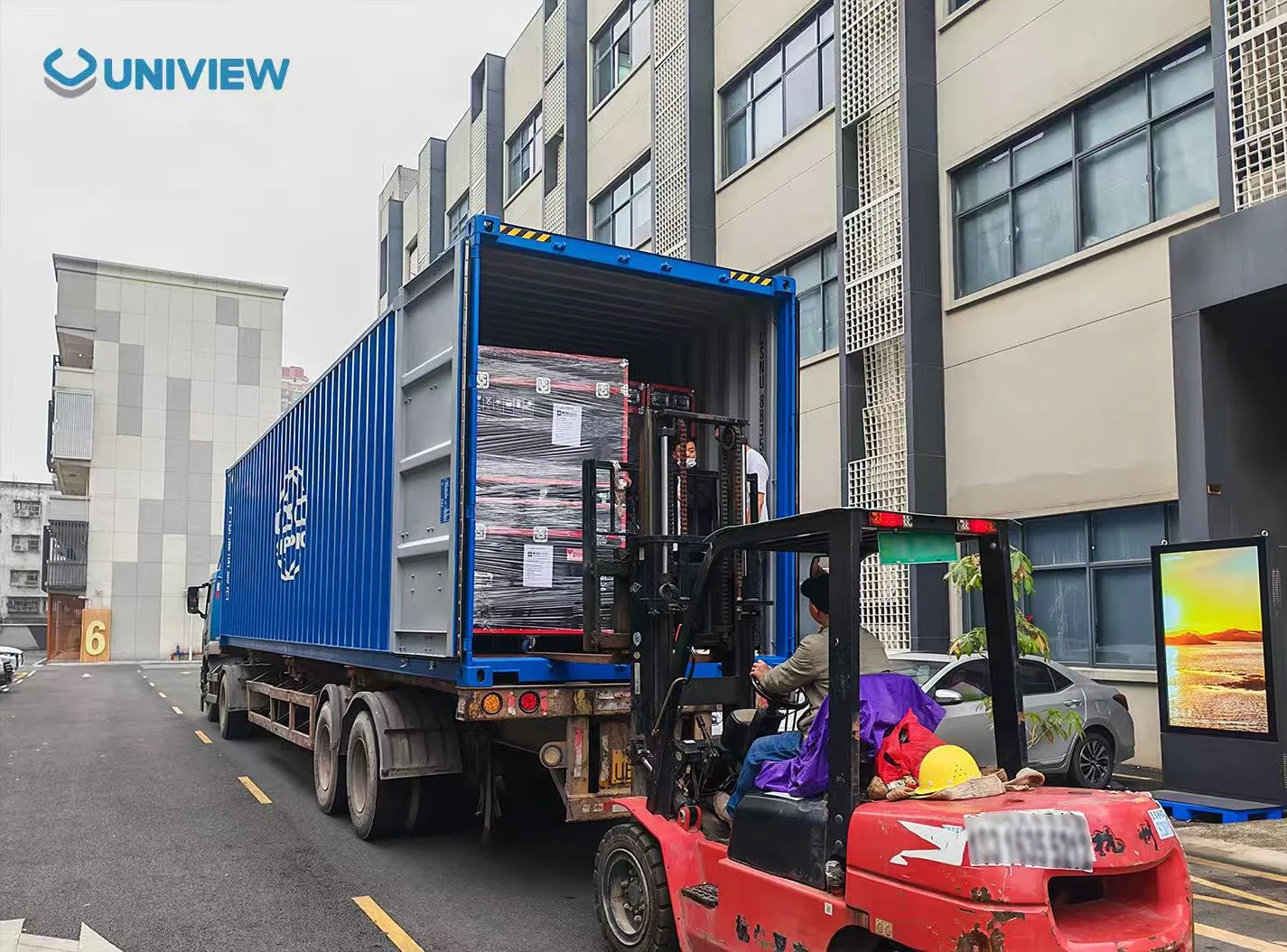
Our dedicated assembly lines and quality control processes help ensure consistent performance across our commercial LCD displays. From structural engineering and component integration to assembly, testing, and prototype validation, we provide reliable OEM/ODM support for projects of varying sizes.

SMT Production Line

Precision PCB Assembly

Class 1000 Cleanroom

Rigorous Quality Inspection

Aging Test Chamber

Efficient Product Assembly

Optical Calibration Lab

Accurate Color Calibration

Structural Assembly Area

Reliable Performance Testing

Automated QC Inspection

Precision Screen Assembly

Prototype Validation Center

Secure Product Storage

Global Logistics Hub

Reliable Global Delivery

RELIABILITY & TESTING

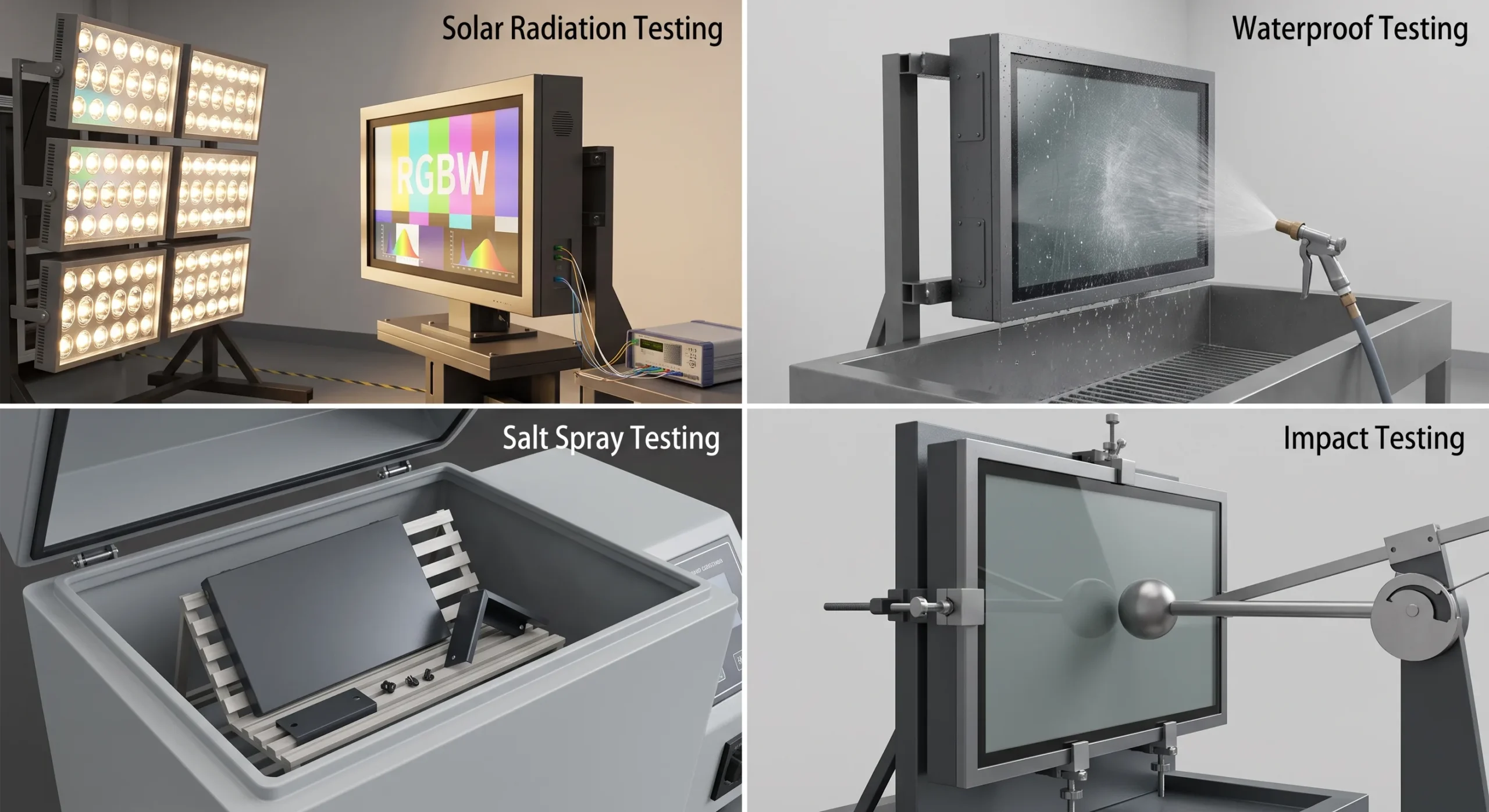
Reliability Testing

Comprehensive laboratory and environmental tests simulate extreme real-world conditions to ensure structural and electronic integrity.

Relevant Test Categories

Vibration, drop, high/low temperature cycling, humidity, and salt spray testing.

Applicable Conditions

Parameters are adjusted based on the target installation environment (e.g., coastal outdoor vs. indoor mall).

Available Records

Detailed laboratory reports provided upon request for specific chassis and panel configurations.

Hardware Reliability Testing
Compliance & Standards

Certified Quality & Reliability

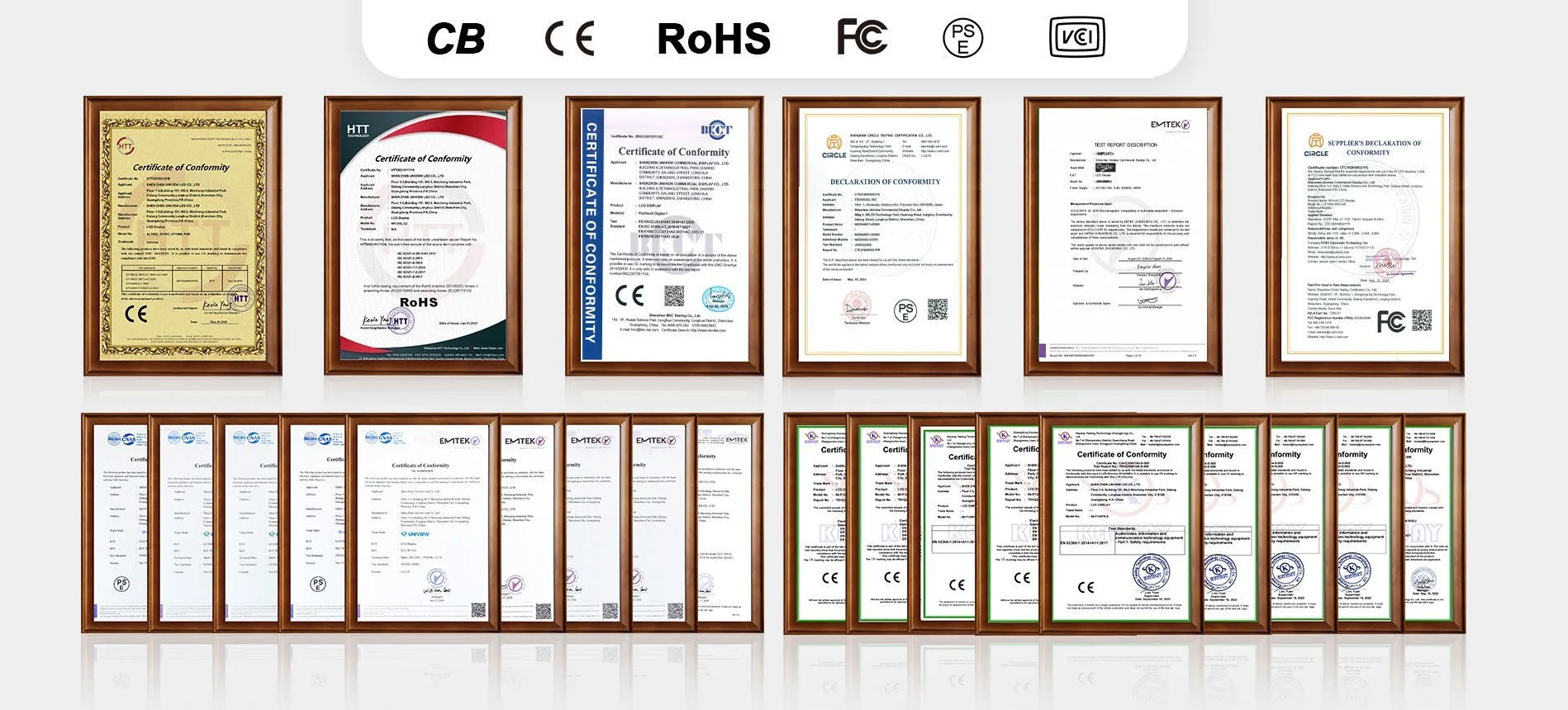
Uniview commercial displays are developed with safety, reliability and destination-market requirements in mind. Available CE, FCC, PSE, VCCI, RoHS and CB documentation depends on the specific model and configuration; confirm the applicable scope before production.

Uniview LCD Global Quality and Safety Certifications

Buyer questions

Portable digital signage FAQ

What is portable digital signage?

Portable digital signage is a commercial display designed to be repositioned more easily than a fixed wall-mounted screen or permanent kiosk. The S-POK uses a floor-standing, foldable structure and can be configured with wheels for frequent indoor movement.

Is the S-POK a foldable digital signage display?

Yes. Its support structure folds to reduce storage and transport space, and the support angle can be adjusted for the installation.

Does the S-POK come with wheels?

Wheels are optional, not standard on every configuration. Optional 360° spinning wheels make the screen easier to reposition inside stores, hotels, event venues and offices.

Which sizes and resolutions are available?

The S-POK is available in 32, 43, 49 and 55 inch sizes. Portrait resolution options are 1080 × 1920 and 2160 × 3840, depending on the selected configuration.

Can it run Android or Windows content?

Yes. Available configurations include driver-board, standalone, Android, Windows and Linux versions. Select the system based on how content will be created, scheduled and managed.

Is touch available?

Capacitive touch is optional. Include the intended application, required touch behavior and software environment in your inquiry so the correct configuration can be reviewed.

Is the S-POK suitable for outdoor use?

No. The S-POK product specification identifies it as an indoor display. Outdoor or semi-outdoor placements require a product designed for the expected weather, temperature and sunlight conditions.

How should I choose between 350 and 700 nits?

Choose brightness from the actual indoor lighting rather than selecting the highest value by default. Controlled interiors may suit a 350-nit configuration, while brighter rooms can require more brightness. Share site photos, window direction and operating hours so reflections can be considered.

Can S-POK content be updated remotely?

Remote updates can be possible when the selected Android, Windows, Linux or external-player configuration includes compatible networking and content-management software. CMS licensing, Wi-Fi and cloud access should be confirmed separately; they are not automatic features of every configuration.

What affects the price of an S-POK display?

Price depends on screen size, resolution, brightness, operating system, computing hardware, touch, wheels, customization, quantity, packing and destination-market documentation. An accurate quotation therefore needs more than the screen size.

What information should I send for a quotation?

Provide the installation location, preferred size, quantity, content source or software, touch and wheel requirements, destination market and target schedule. Site photos and the expected viewing distance make the configuration review more useful.

Build the right S-POK

Share the essential project inputs and Uniview can review the appropriate display size, system and optional features.

  • Screen size and quantity
  • Content source or operating system
  • Touch and wheel requirements
  • Installation country and timeline

Your details will be used only to respond to this product inquiry.