One visitor touchpoint
Place digital campaigns and printed references in the same location so messaging can continue beyond the screen.


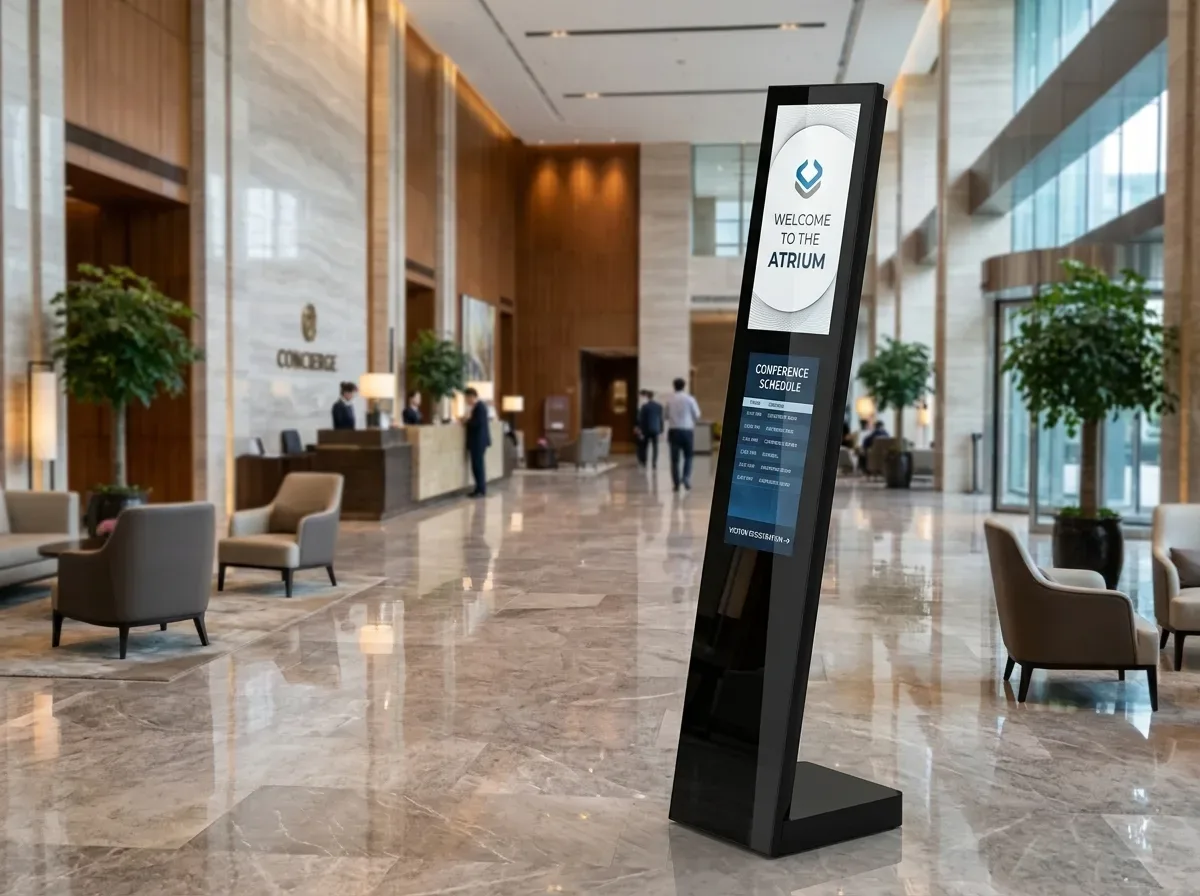
Combine a portrait digital display with an integrated brochure presentation area in one indoor floor-standing unit. This digital signage brochure stand 2 in 1 helps visitors view campaigns, notices or product information on screen, then take printed literature at the same location.
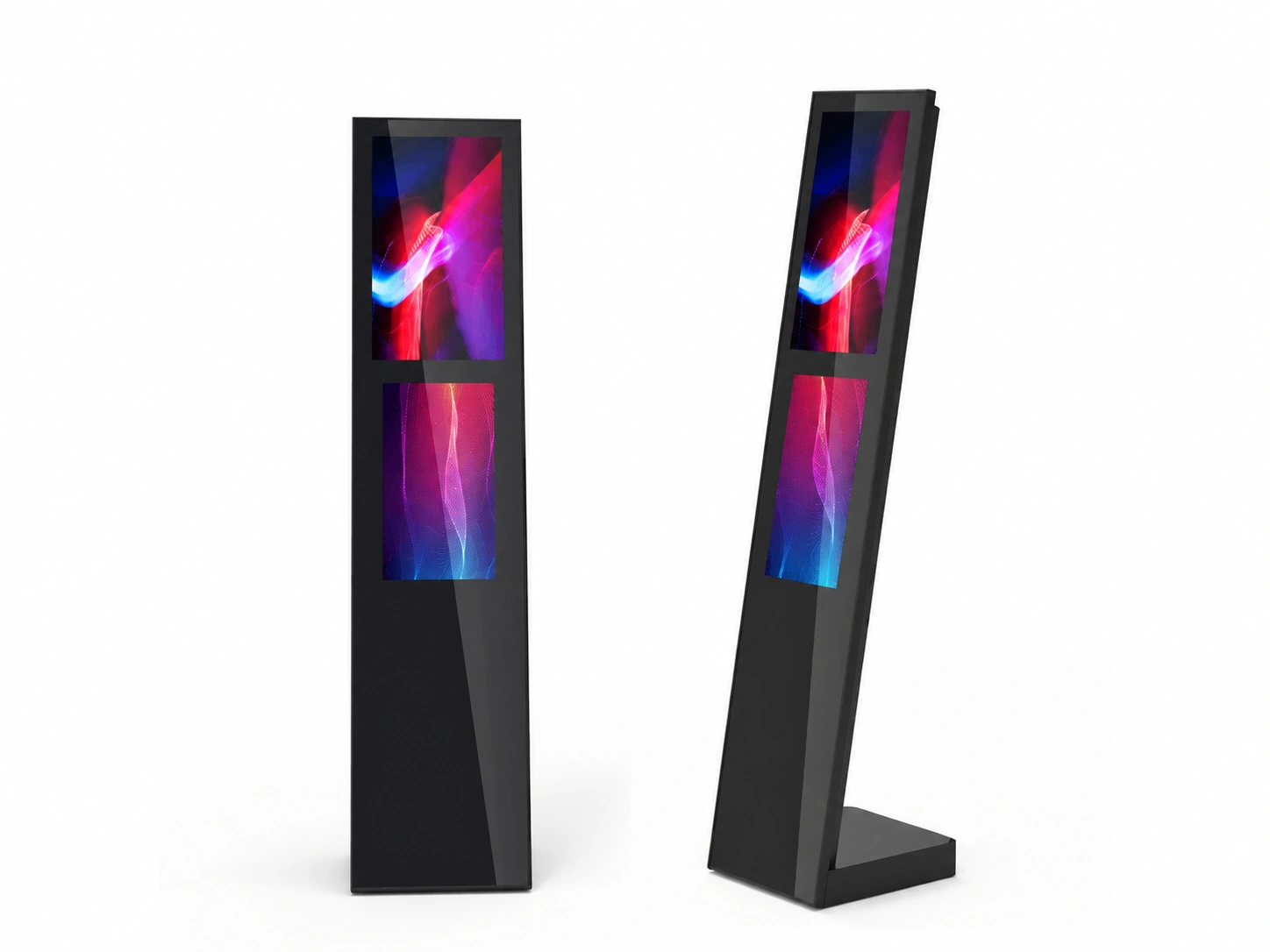
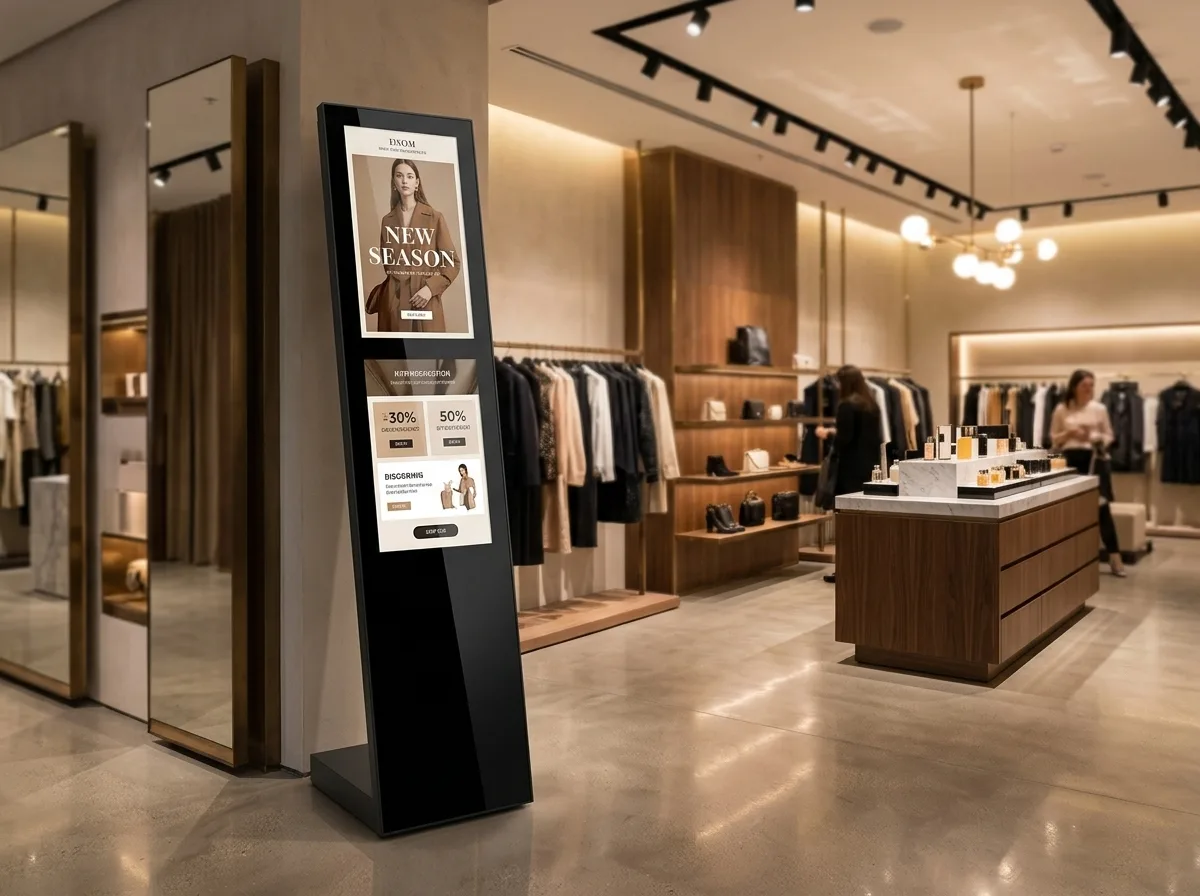
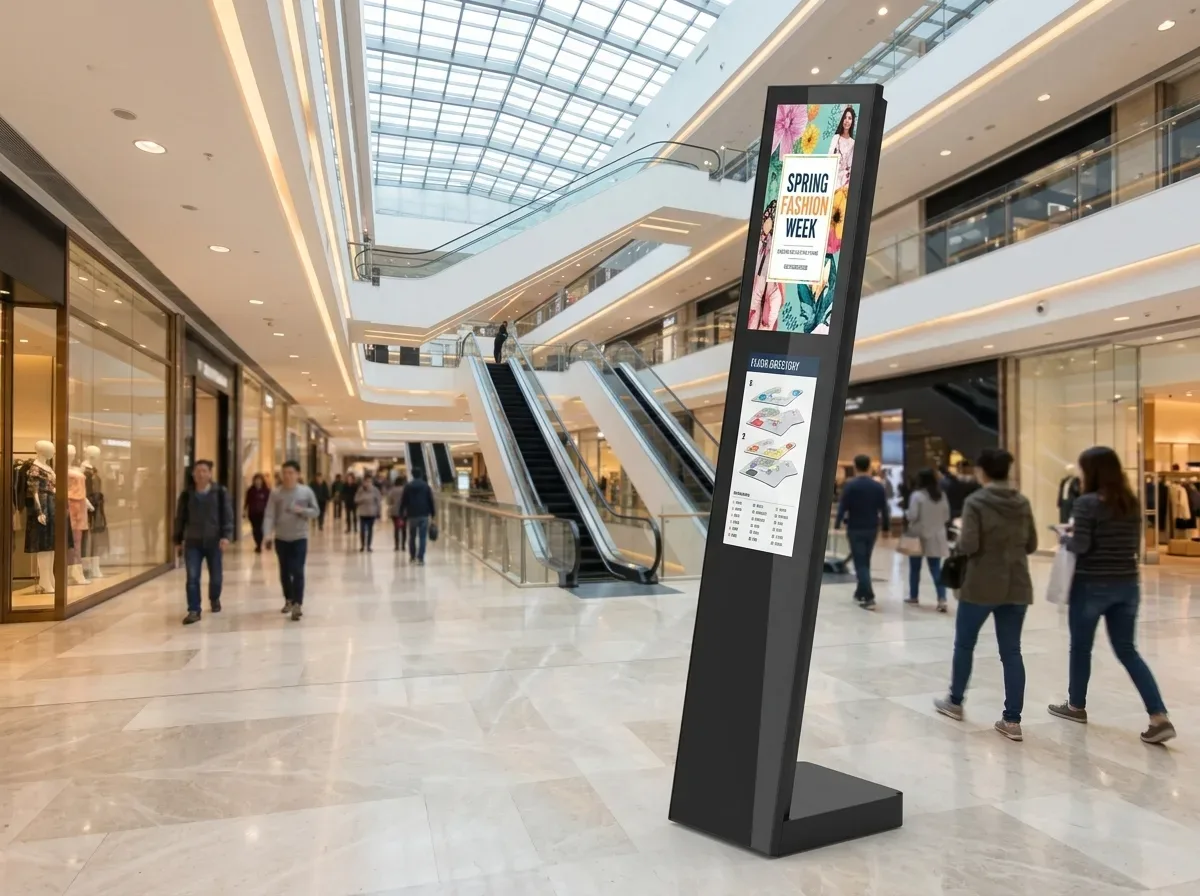
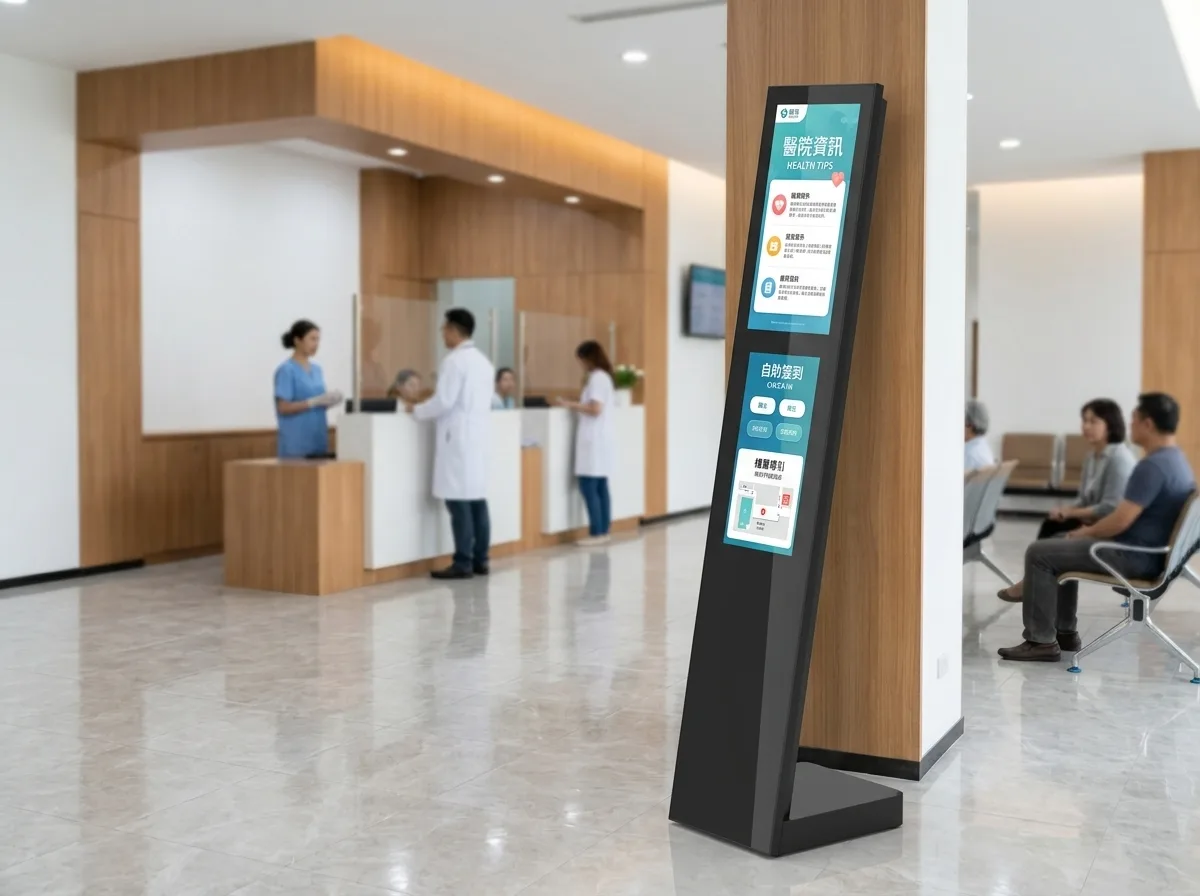
A digital signage brochure stand 2 in 1 brings portrait digital communication and paper literature display together in one coordinated indoor device. The screen can present advertising, directions, product introductions or service information while the lower brochure area provides a convenient place for printed catalogs and information materials.
Instead of placing a separate screen and literature rack in the same area, this digital display with brochure holder supports a more compact visitor journey. People can first notice the moving or scheduled content, then collect printed material for later reference.
The final structure, brochure presentation arrangement and optional functions are confirmed according to project requirements.

Place digital campaigns and printed references in the same location so messaging can continue beyond the screen.
A floor-standing format helps reduce the space needed for separate digital signage and literature display equipment.
Choose a single-screen or double-screen design to align the physical presentation with the intended installation.
Brightness, display system and selected functional options can be reviewed for the specific indoor environment.
Review the display size, structure, brightness and operating version together. This helps ensure the selected digital literature stand fits the installation position and content workflow.
Step 1
Available screen sizes include 22″, 27″ and 32″. Other sizes may be evaluated for a project-specific request.
Step 2
Choose a single-screen design or a double-screen design according to the required physical presentation and placement.
Step 3
Brightness options include 350 nits, 700 nits and up to 1000 nits. The appropriate level should be selected according to indoor ambient light and installation location.
Step 4
Choose a monitor version, standalone media player, Android system or Windows system based on the planned source device and content management approach.
| Version | Main Use | Typical Connection / Storage Information |
|---|---|---|
| Monitor | For connection to an external playback or control source. | HDMI / VGA / DVI; no internal storage listed. |
| Standalone | For local media playback requirements. | HDMI / USB; 16GB storage. |
| Android | For Android-based project requirements. | HDMI / USB; 2GB + 16GB or 4GB + 32GB. |
| Windows | For Windows-based project requirements. | HDMI / VGA / USB; 4GB + 120GB SSD. |
Final interfaces, operating system version, processor, storage capacity and network configuration require order confirmation.
The final interface set, operating system version, processor, storage space and network configuration are subject to order confirmation.
| Specification | Available Information |
|---|---|
| Product type | Indoor 2-in-1 digital signage and brochure display |
| Screen sizes | 22″ / 27″ / 32″ |
| Display orientation | Portrait |
| Resolution options | 1080 × 1920 / 2160 × 3840 |
| Brightness options | 350 / 700 / up to 1000 nits |
| Contrast ratio | 1400:1 |
| Response time | 8 ms |
| Viewing angle | 178° / 178° |
| Backlight | WLED |
| Panel source | LG or Samsung, subject to project and supply confirmation |
| Operating life | 50,000–60,000 hours |
| Power input | AC 100–240V, 50/60Hz |
| Operating temperature | 0°C to 40°C |
| Storage temperature | -10°C to 60°C |
| Operating humidity | 10%–80% RH, non-condensing |
| Installation environment | Indoor |
Product dimensions, weight, power consumption and other unlisted details are available upon project confirmation.
This product can be configured for commercial display projects and OEM/ODM requirements. Uniview LCD can review the requested hardware combination before production and sample approval.
Camera, printer, card reader, scanner, touch and wheels are optional items, not standard configuration. Compatibility and any intended software or peripheral function must be confirmed for the project.
01
Confirm screen size, structure, system, brightness and requested options.
02
Review the selected configuration and provide a project quotation.
03
Confirm relevant design details and sample requirements before production.
04
Complete assembly and inspection according to the confirmed order requirements.
05
Prepare the completed order for packing and shipment arrangements.
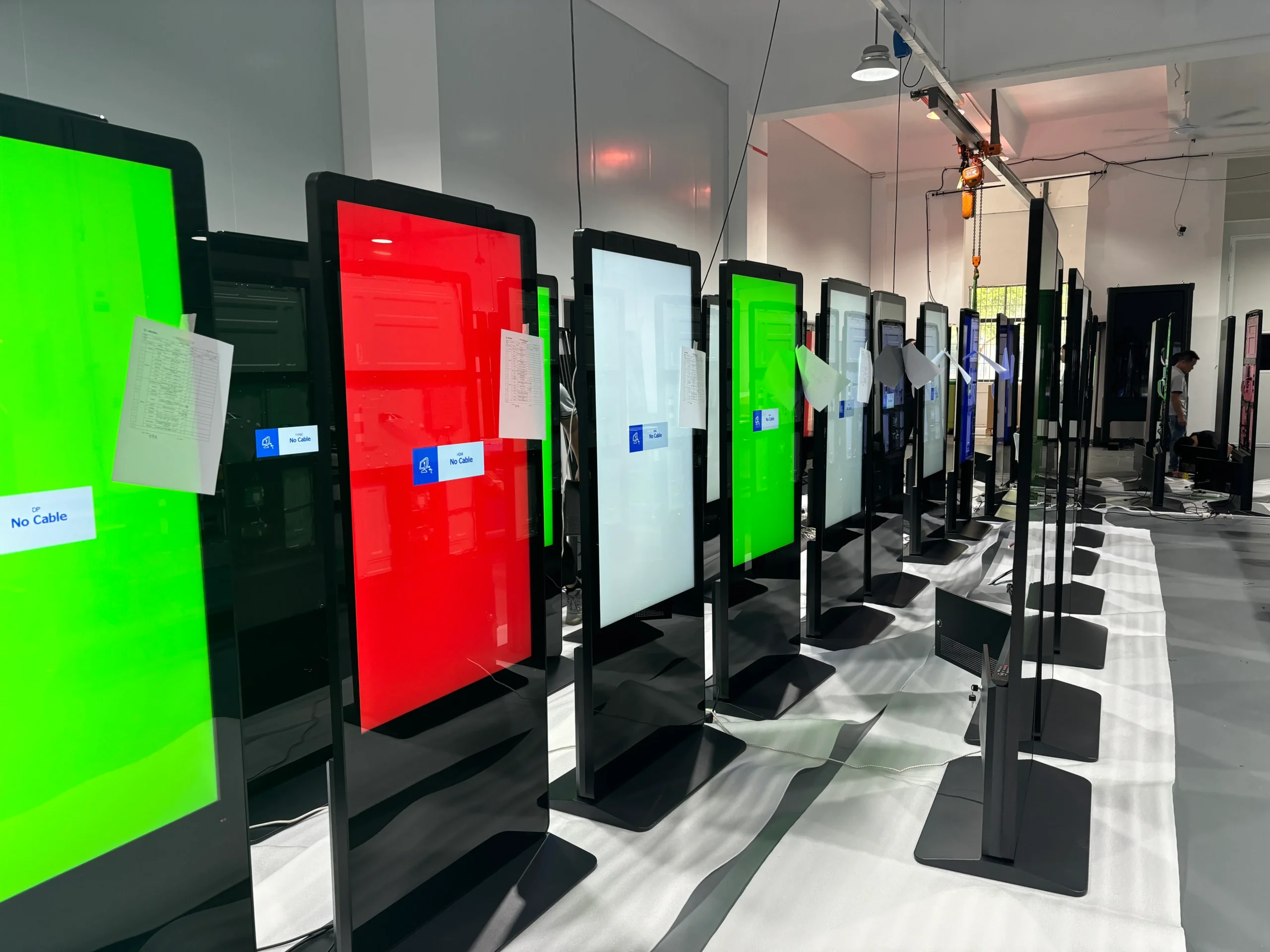
Uniview LCD supports product development and manufacturing for commercial LCD display equipment. Production work can include structural assembly, component installation, screen integration, functional testing, appearance inspection and packing preparation.
Reviewing the confirmed configuration through production and inspection helps maintain consistency across batch orders and provides a clearer process for project communication.
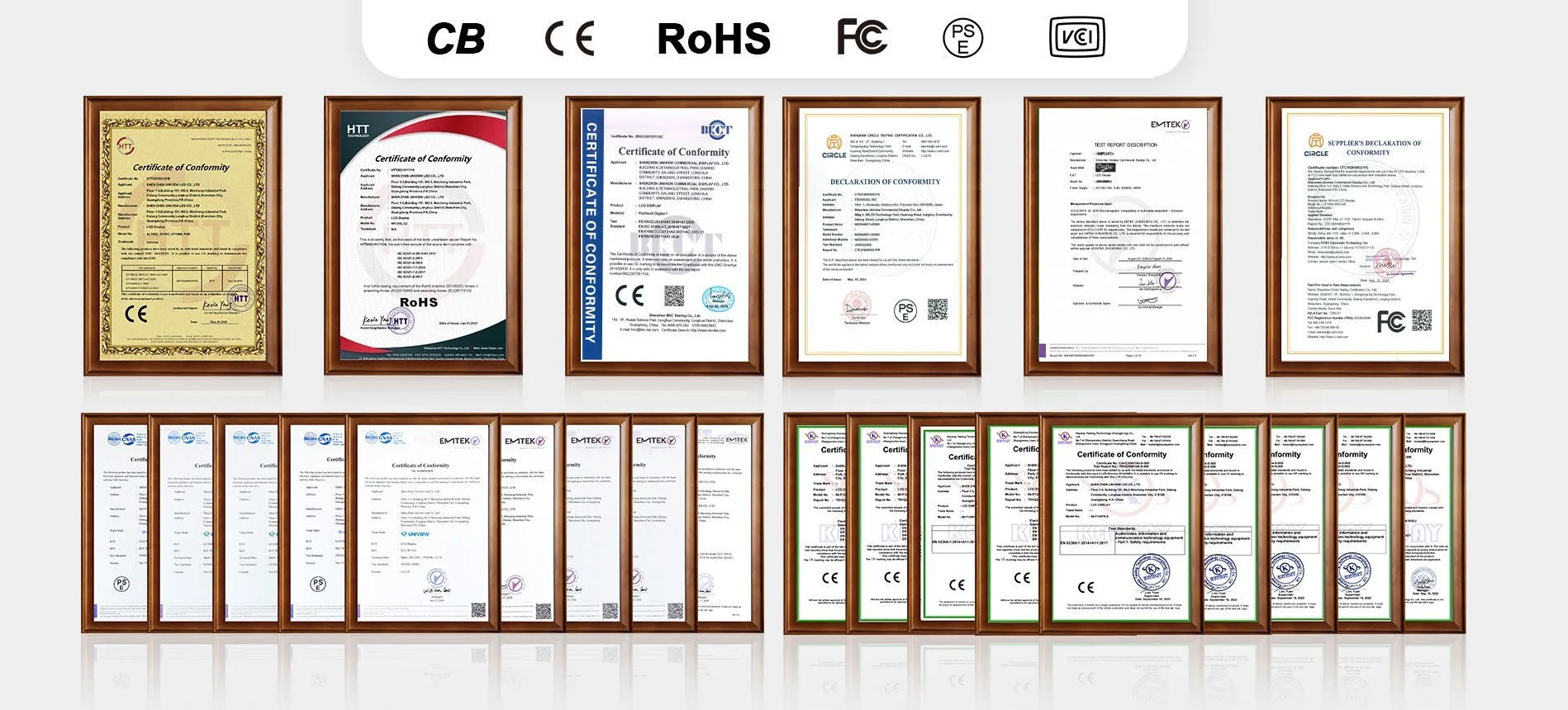
Uniview LCD can provide certification document support for CE, FCC, PSE, VCCI, RoHS and CB according to the selected configuration and target market. Certification availability depends on the selected configuration, product version and destination market. Please confirm the applicable documents before ordering.
Tell us about your installation needs and preferred configuration for a digital signage brochure stand 2 in 1. Our team will review the request and help clarify suitable options.
Email: lcdsales@univiewlcd.com
Phone: +86-755-21009715
Address: Floor 1-3, Bldg 9, Delta Science and Technology Park, Dalang Street, Longhua District, Shenzhen, China